
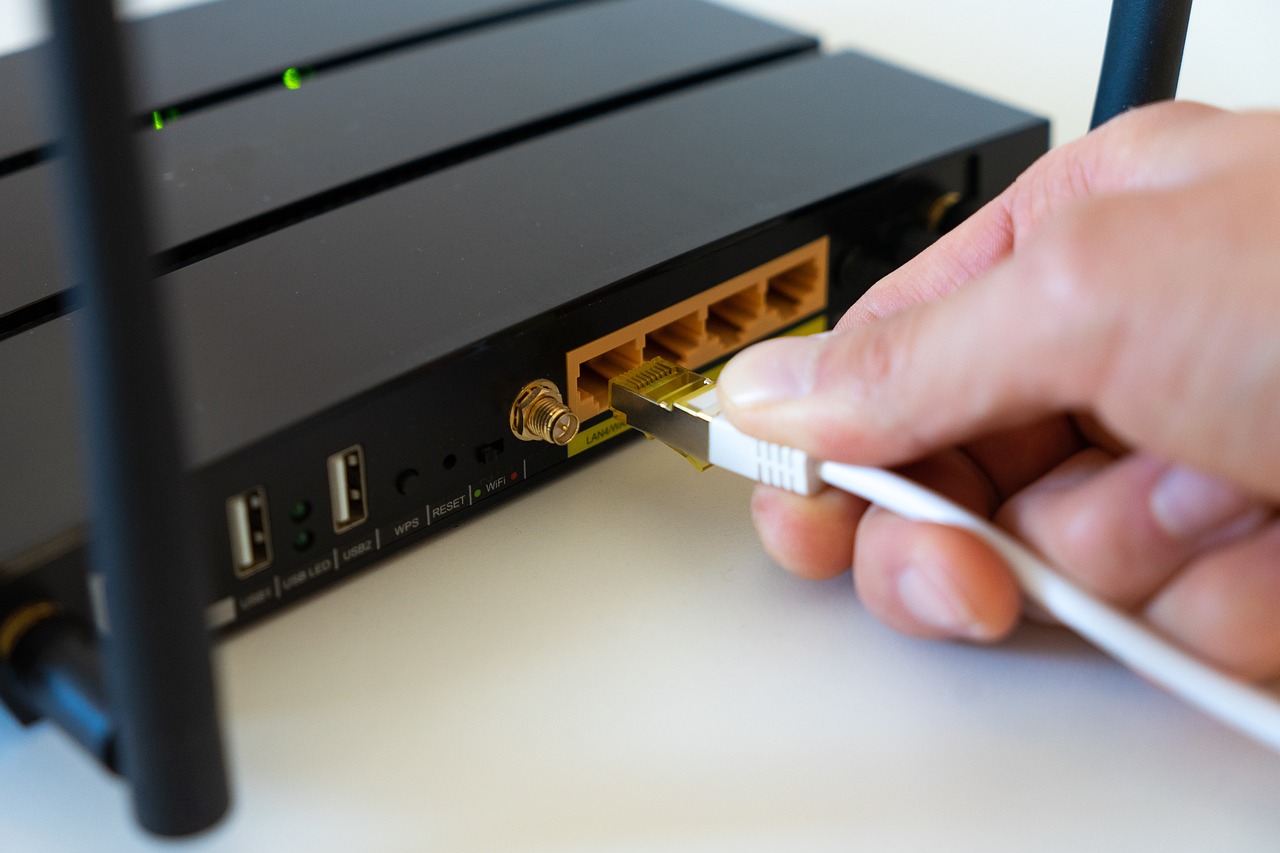
In a world where almost everything runs on internet connectivity, streaming, gaming, smart home devices, remote work, and cloud storage, having a reliable, stable, and fast internet connection is no longer a luxury but a necessity. While Wi-Fi is convenient, it cannot always offer the speed, stability, and low latency that an Ethernet connection can. This is why more homeowners and businesses are now investing in Ethernet port installation.
Whether you want to set up a home office, improve online gaming performance, or power smart devices with a steady connection, installing Ethernet ports is one of the smartest upgrades you can make. This guide walks you through the benefits, installation process, tips, and key considerations for setting up Ethernet ports in your home or workplace.
Why Install Ethernet Ports?
There are several compelling reasons to add Ethernet ports to your space:
- Faster Internet Speeds
Ethernet provides significantly higher speeds compared to Wi-Fi.
- You avoid signal interference
- Speed is consistent and not shared
- Ideal for 4K streaming, gaming, and large file transfers
- Rock-Solid Stability
Ethernet connections do not fluctuate like Wi-Fi signals, which can weaken due to:
- Walls and furniture
- Other electronic devices
- Distance from the router
A wired connection maintains stability 24/7.
- Lower Latency
Gamers and professionals benefit from reduced lag and improved response times. Ethernet reduces ping significantly compared to wireless networks.
- Enhanced Security
Wired networks are naturally more secure than Wi-Fi.
- Harder to intercept
- Less vulnerable to hacking
- Ideal for offices handling sensitive data
- Better Performance for Smart Devices
Smart TVs, gaming consoles, media streaming devices, and work computers perform much better when connected to wired internet.
Where Should You Install Ethernet Ports?
Planning locations carefully ensures maximum benefit. Popular areas include:
Home Installations
- Living room (near TV or entertainment unit)
- Home office
- Bedrooms
- Kitchen or dining (for smart appliances)
- Loft or basement workspaces
Business Installations
- Offices and meeting rooms
- Server rooms
- Conference halls
- Retail point-of-sale areas
- Surveillance camera points
Before installation, evaluate your needs and prioritize areas with the highest usage.
Types of Ethernet Ports and Cables
Choosing the right type of cable ensures long-term performance.
- Cat5e Cable
- Supports speeds up to 1 Gbps
- Budget-friendly
- Suitable for basic tasks
- Cat6 Cable
- Supports up to 10 Gbps
- Reduced interference
- Best for modern homes and small offices
- Cat6a and Cat7
- Higher speeds and bandwidth
- Suitable for heavy commercial usage
For most households, Cat6 is the ideal choice – fast, affordable, and future-proof.
How to Install Ethernet Ports: Step-by-Step Guide
While professional installation is always recommended, understanding the process helps you make informed decisions.
Step 1: Plan Your Network Layout
Identify:
- Where devices will be placed
- Where the main router or modem is located
- Routes for running cables through walls, ceiling, or under flooring
Good planning ensures minimal damage or unnecessary drilling.
Step 2: Gather Tools & Materials
You will need:
- Ethernet cable rolls (Cat5e/6/7)
- Ethernet wall plates
- Keystone jacks
- Cable tester
- Fish tape or cable puller
- Punch-down tool
- Wall drill and utility knife
Step 3: Run the Cable
Cables can be routed through:
- Wall cavities
- Underfloor areas
- Ceiling spaces
Ensure cables are neatly routed and properly secured to avoid damage.
Step 4: Install the Ethernet Wall Plates
Cut an opening in the wall using a utility knife or drywall saw.
Mount the wall box and attach the Ethernet plate.
Step 5: Terminate the Cable
Strip the cable ends and terminate them using:
- T568A or T568B wiring standard
- Punch-down tool to secure wires onto keystone jacks
Ensure consistency on both ends of the cable.
Step 6: Connect to Router or Network Switch
Run the central cable ends into a network switch or directly into the router’s LAN ports.
If multiple rooms require connectivity, a switch is essential.
Step 7: Test the Connection
Use an Ethernet cable tester to verify:
- Continuity
- Speed support
- Correct wiring
Once tested, connect your devices to enjoy fast, reliable internet.
DIY vs Professional Installation
DIY Installation
- Cost-effective
- Suitable for small setups
- Requires technical understanding
Professional Installation
- Ensures neat, concealed wiring
- Provides proper testing and certification
- Saves time
- Ensures compliance with local building and safety codes
If installing Ethernet ports in multiple rooms or through complex walls, professional installation is strongly recommended.
Best Practices for Ethernet Installation
- Use High-Quality Cables
Cheap cables degrade quickly and do not support fast speeds.
- Avoid Running Ethernet Parallel to Electrical Wiring
This prevents interference and speed issues.
- Label All Cables
Makes future maintenance or upgrades easier.
- Use Network Switches for Multi-Room Connections
Ensures consistent performance across all ports.
- Test Every Port Before Finalising Installation
Fixing issues later is more difficult.
- Keep Cables Away From Moisture or Heat Sources
To protect cable lifespan.
Common Mistakes to Avoid
- Using old Cat5 cables that limit speed
- Running cables loosely without securing them
- Not planning the number of ports needed
- Installing ports too far from power outlets
- Using inconsistent wiring standards
- Not testing the cables after installation
Avoiding these mistakes ensures a smooth installation and high-quality connection.
Final Thoughts
Installing Ethernet ports is one of the most effective ways to improve your home or office internet experience. Whether you need high-speed connectivity for streaming, gaming, working from home, or powering smart devices, Ethernet provides unmatched speed, stability, and reliability.
By choosing the right cables, planning layouts carefully, and following best practices, you can create a network setup that is future-proof and efficient. Whether you go the DIY route or hire a professional, a well-installed Ethernet port system will transform your digital experience for years to come.